14. Access to third-party payment
Non-members can read 30% of the article.
In the previous chapter, we talked about the underlying table structure design of payment, so in this chapter we will access three-party payment.
In the overseas payment and collection ecosystem, Paypal is a very important part that cannot be avoided. I usually make payments in two ways: Credit Card and Paypal. Compared with various complex payment channels, Paypal's personal account has the lowest threshold. It can collect money directly and make recurring deductions. After registering with PayPal, we only need to find a payment gateway to connect it.
Then among the further payment gateways, the one with a lower threshold is Upgrade.chat. It does not require anything. It only requires you to have a Paypal personal account and bind its gateway to make payment.
And because it is equivalent to Paypal to perform recurring deductions, its subscription deduction failure rate is very low.
Upgrade.chat API and configuration
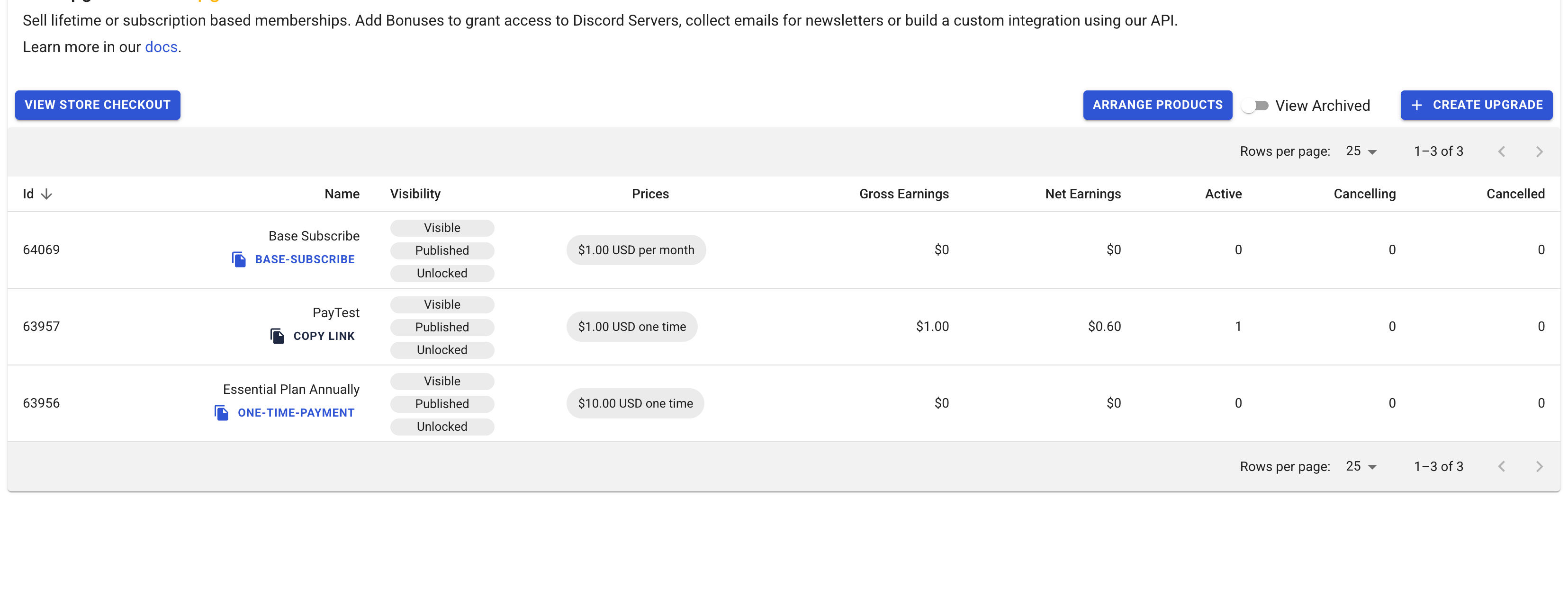
After registering and binding Paypal, first create products. I created 2 One-Time and one Subscription products.
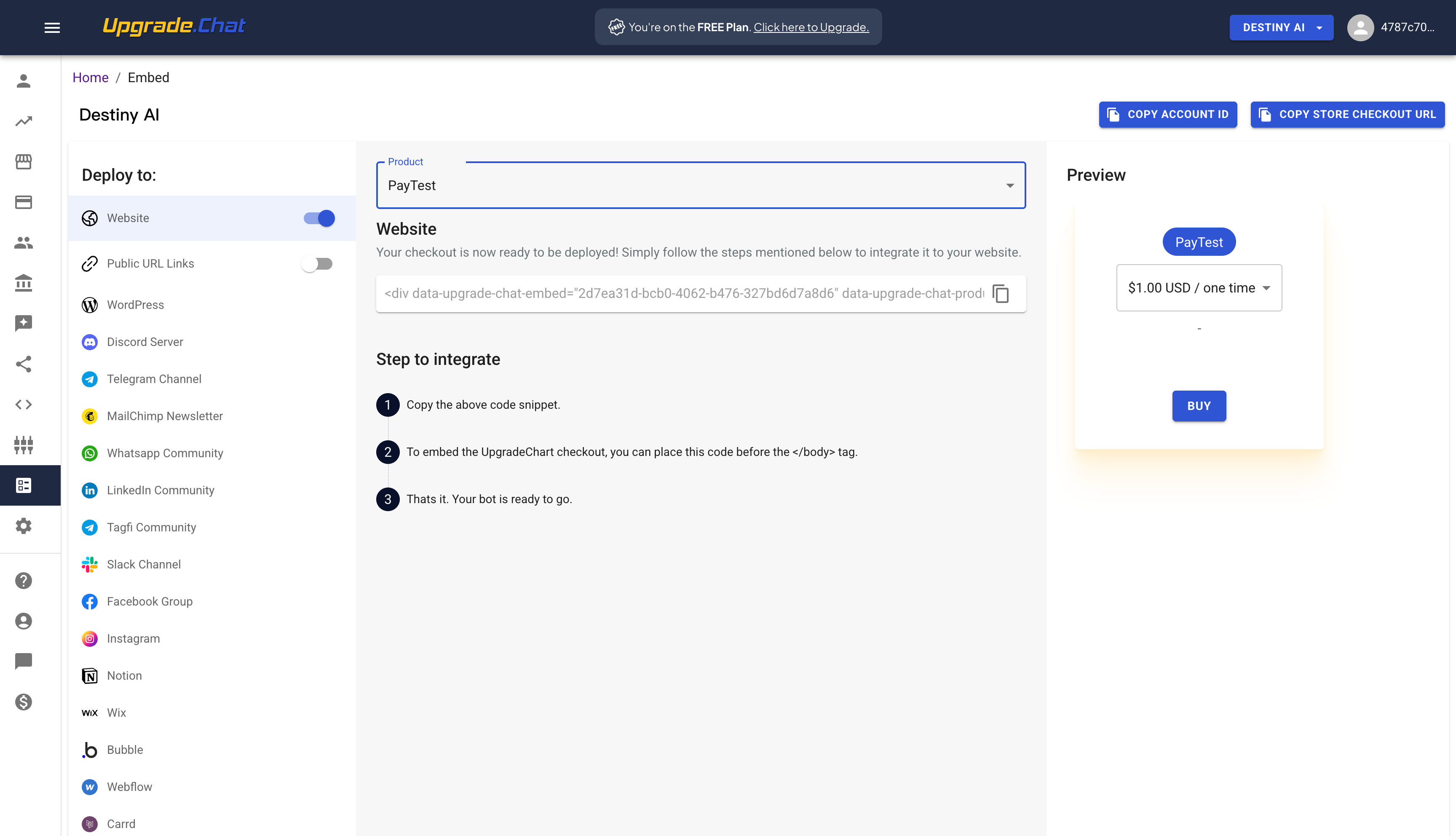
Then add the embed code of the product. In fact, you can already pay at this step. Clicking on this link will pop up their payment method, and then click PayPal to pay.
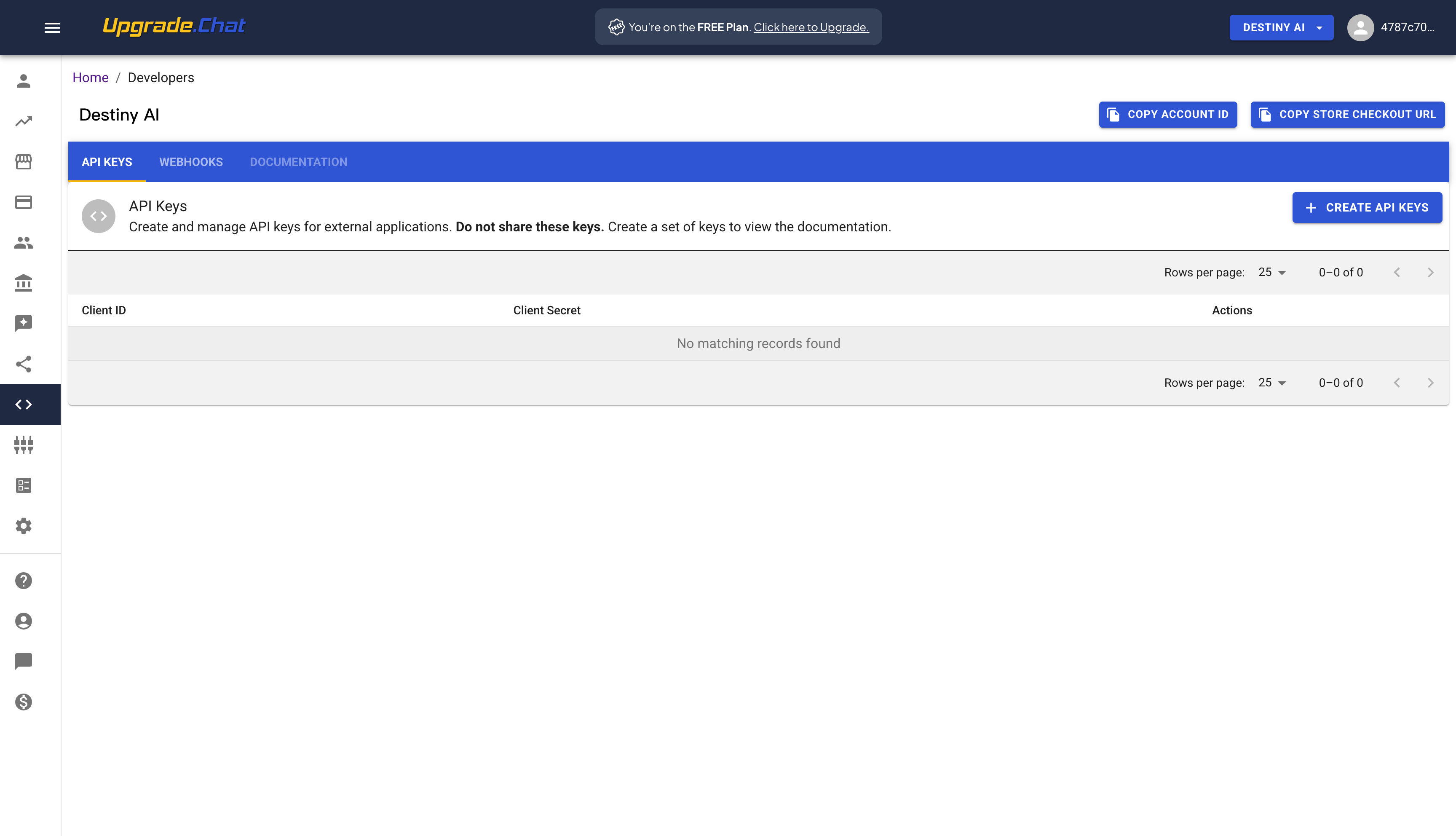
But if we want to develop, we must first create an API Key
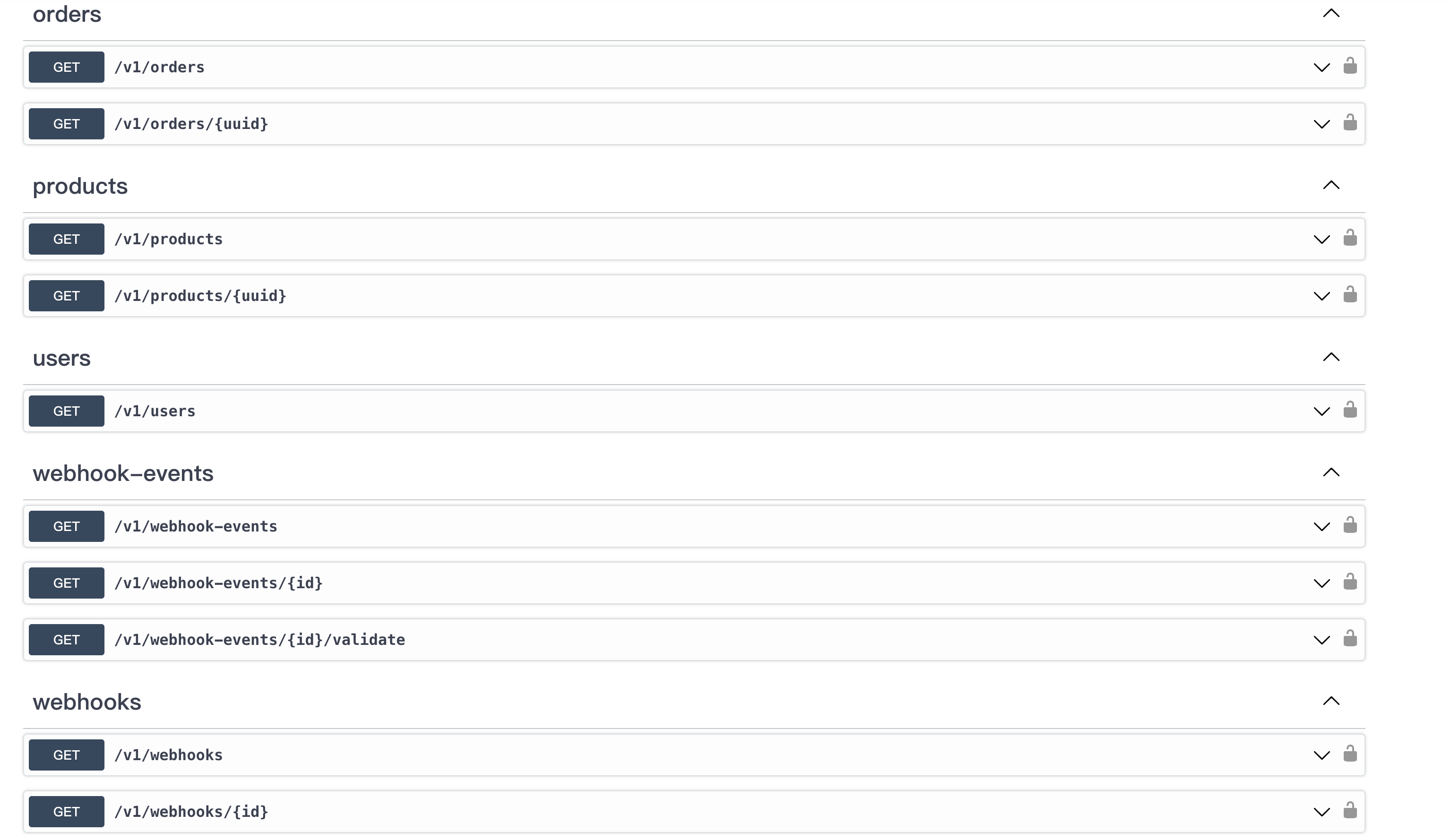
Next, let’s take a look at what APIs they provide. Most of them are very conventional GET query interfaces (maybe they think it is too simple, and I didn’t find an API with a detailed explanation):
Next we create a Webhook to receive notification of successful payment.
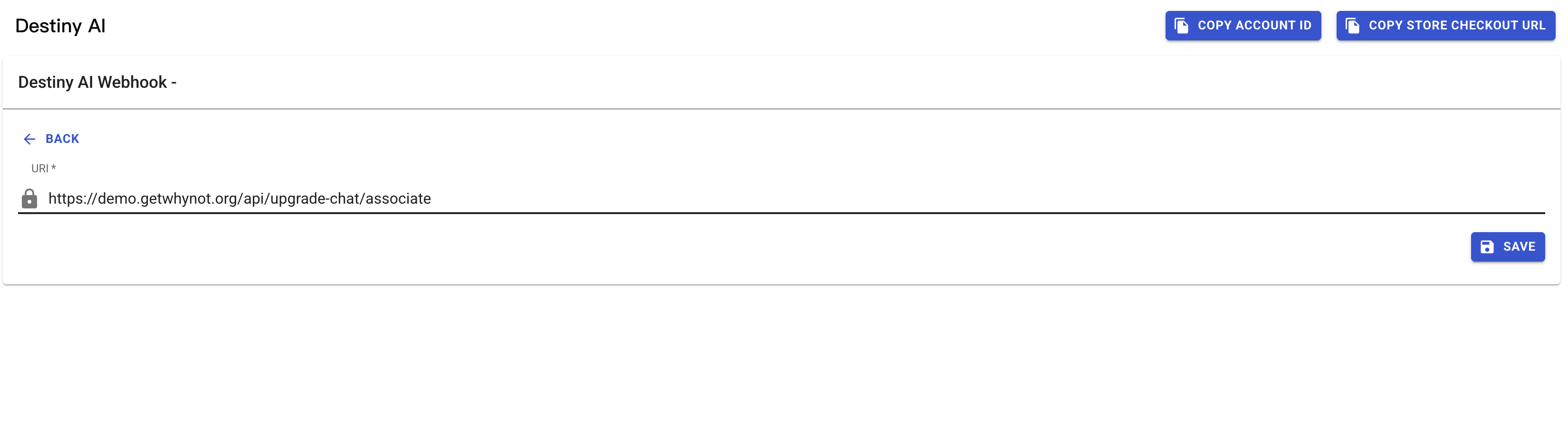
Complete business logic
Front-end
Add their Script in layout
<head>
  <script src="https://upgrade.chat/embed/embed.js" defer />
</head>
Add the two product payment embed codes just added to the pricing page (its essence is actually embedded in an Iframe)
'use client'

export default function PricingPage() {
  return (
    <div className="flex gap-4">
      <div
        className="h-96 w-80"
        data-upgrade-chat-embed="2d7ea31d-bcb0-4062-b476-327bd6d7a8d6"
        data-upgrade-chat-products="be66b10a-69dd-42f0-bf0d-97083b46344e"
        data-upgrade-chat-baseurl="https://upgrade.chat"
      />
      <div
        className="h-96 w-80"
        data-upgrade-chat-embed="2d7ea31d-bcb0-4062-b476-327bd6d7a8d6"
        data-upgrade-chat-products="62312764-a2ce-4e71-b585-0eefc55ec27d"
        data-upgrade-chat-baseurl="https://upgrade.chat"
      />
      <div
        data-upgrade-chat-embed="2d7ea31d-bcb0-4062-b476-327bd6d7a8d6"
        data-upgrade-chat-products="3eea989a-9e7a-454f-bcb6-909fd92b8759"
        data-upgrade-chat-baseurl="https://upgrade.chat"
      />
    </div>
  )
}
Display on the page
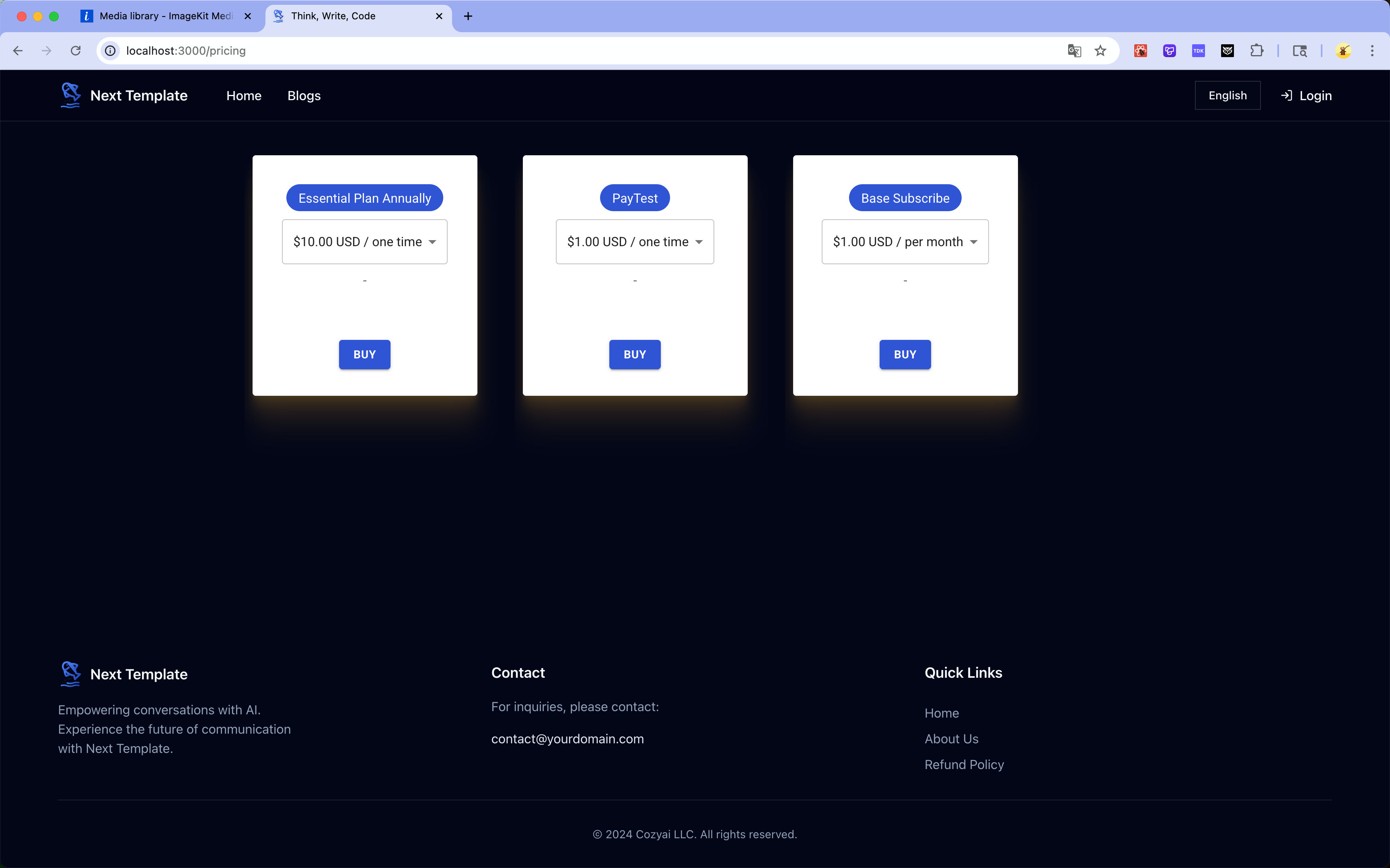
But in fact, its essence is Iframe, and I improved it later.
Subscribe to unlock the full article
Support the writing, unlock every paragraph, and receive future updates instantly.
Comments
Join the conversation
No comments yet. Be the first to add one.