16. Simple Free Tools for SEO
Non-members can read 30% of the article.
The previous article mainly talks about some basic SEO website skills, but in this chapter, we will talk about some very basic tools, mainly about: website traffic, dwell time, keyword density, content, and Google's webmaster tools.
Google Search Console
Google Search Console This is a tool that can never be avoided when doing SEO. It monitors the performance of the website in Google search results and provides index status, search query data and technical issue reports.
How to add your website or domain to Google Search
First log in with your Google account to search the console. If you have not set it up before, there will be a pop-up box.
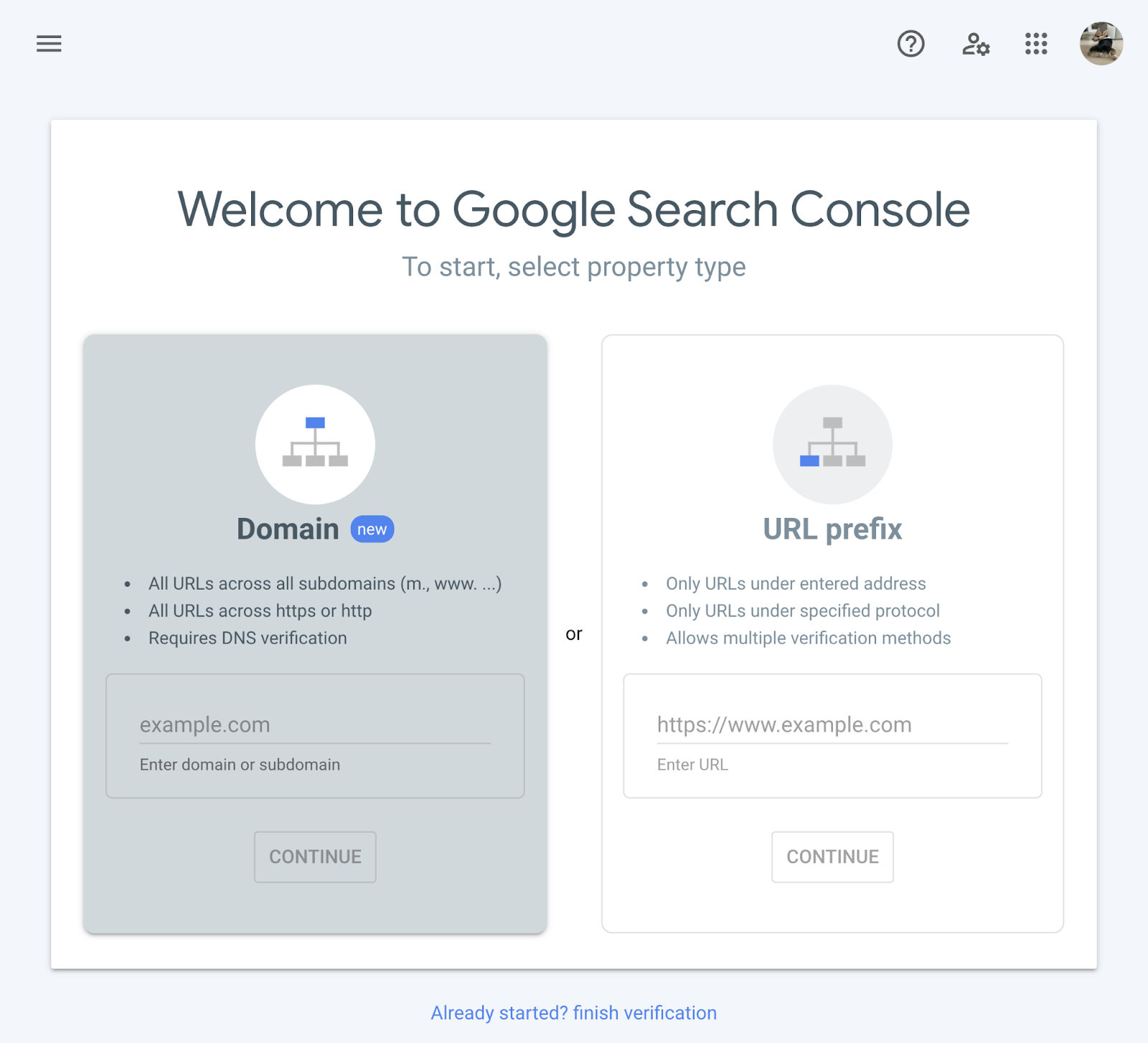
You can choose to add a domain, or a separate URL.
Add domain
The domain fetches data from all URLs below, including all protocols, subdomains, and paths. If we add it this way, we need to verify it with the DNS provider.
First fill in your domain like this and click Continue:
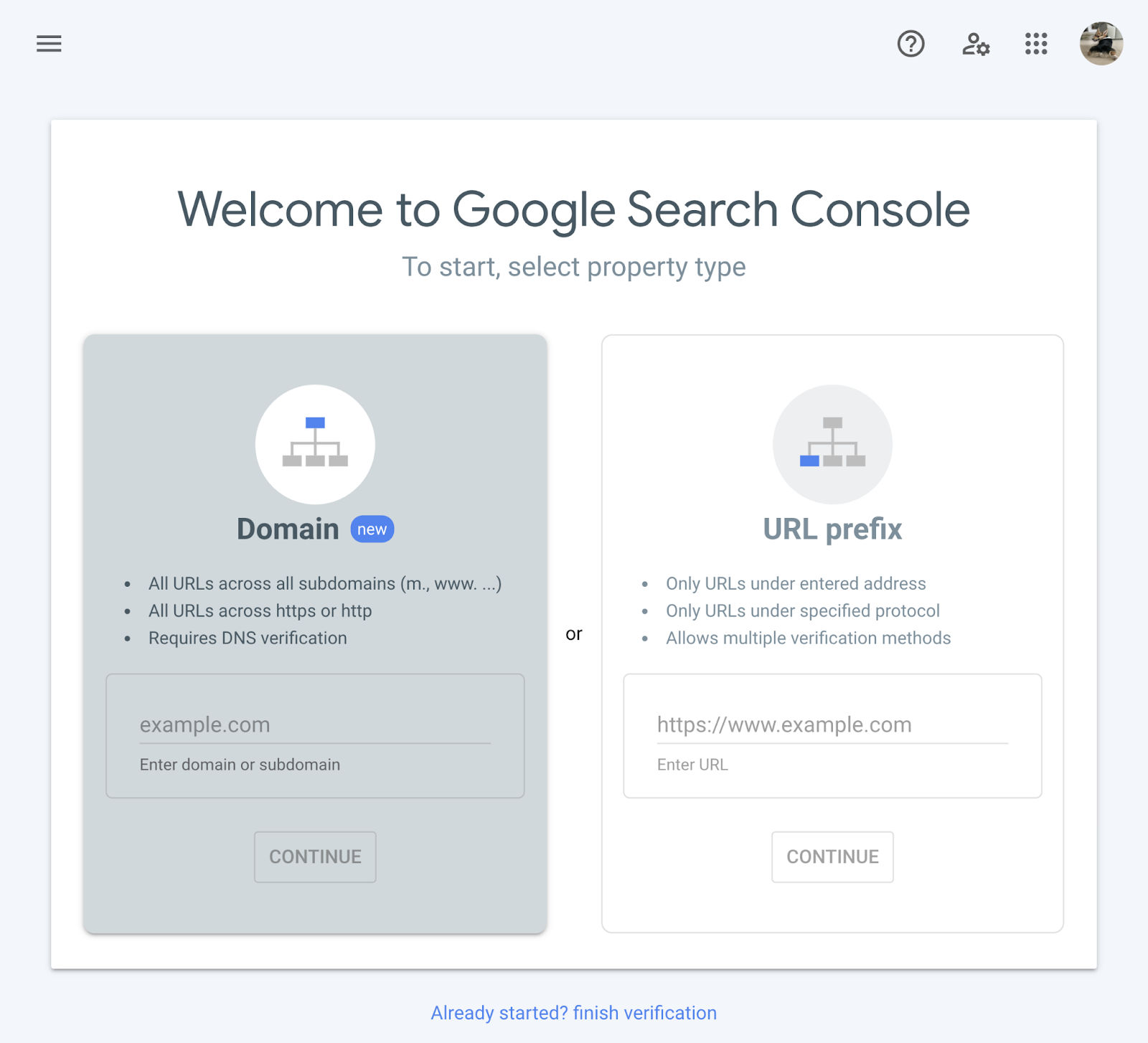
A box will pop up
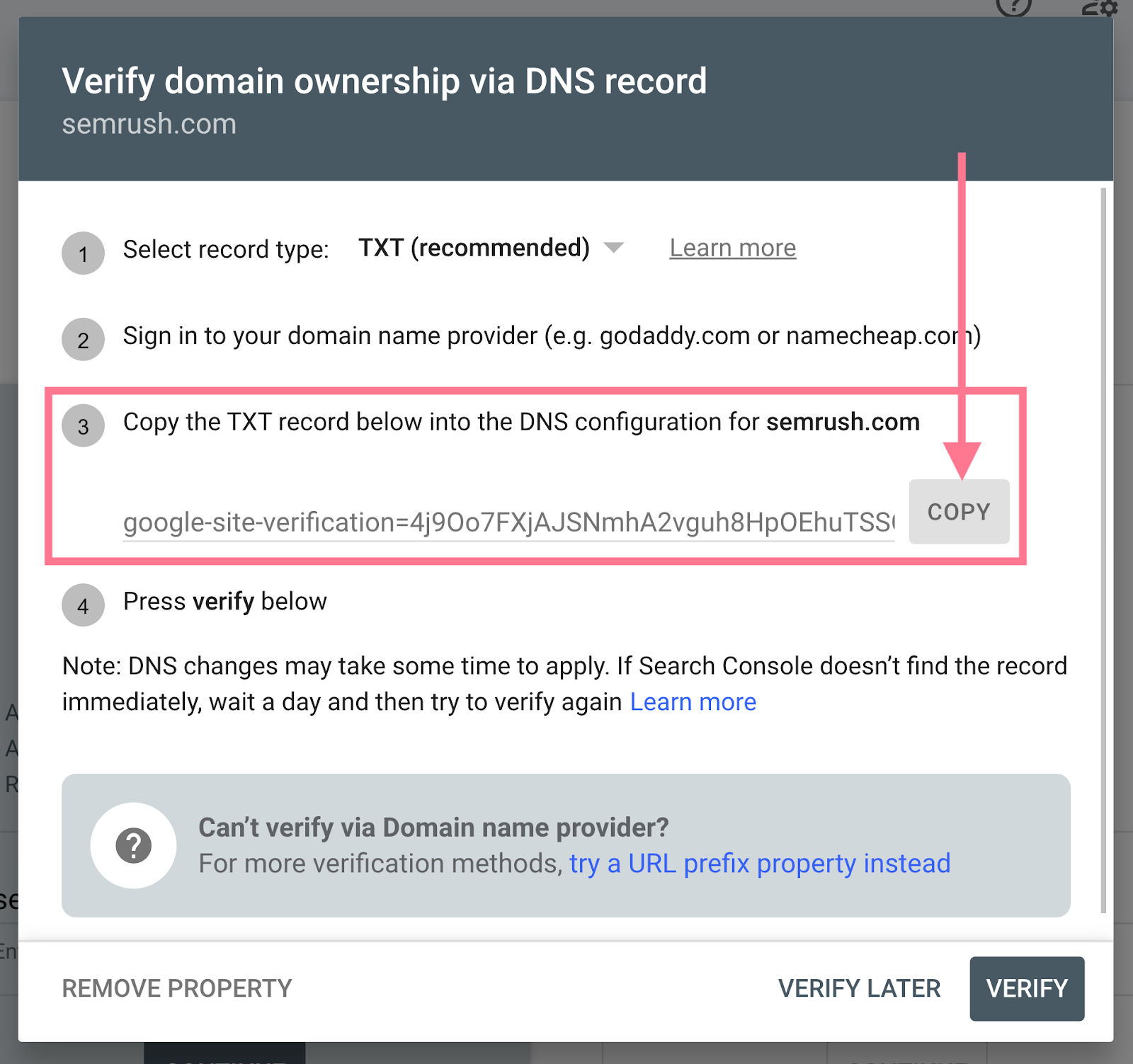
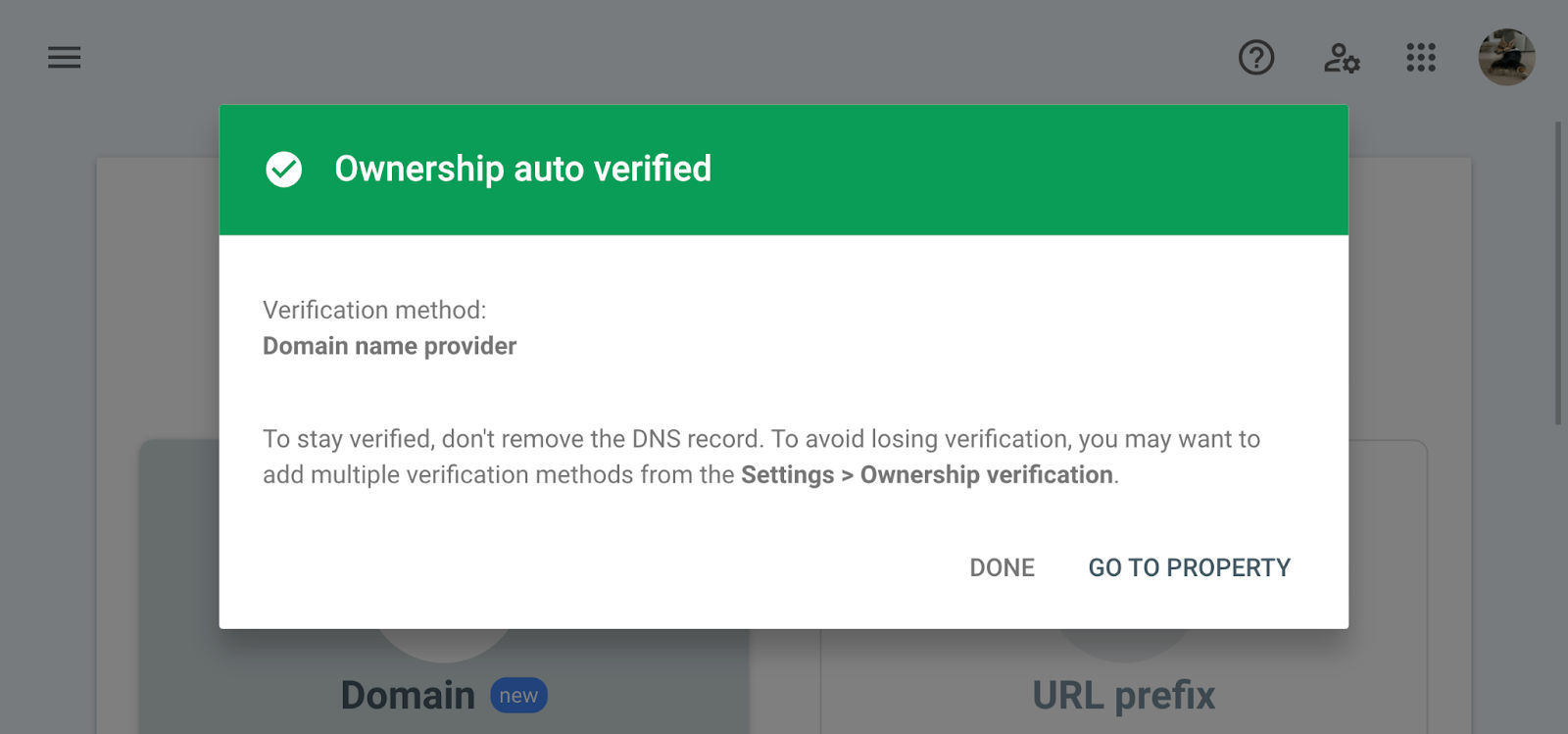
You need to add this TXT record to the resolution of your DNS service provider. When the domain name resolution is added, click Verify directly (you may have to wait, because the DNS needs to be propagated). After completion, there will be a pop-up window like this.
Add URL
I don’t recommend this method very much. This scenario exists when you want to only see a specific part of the website. But in fact, you can do this by filtering items after adding the domain.
Add sitemap
A sitemap file contains all the website URLs we want Google to crawl. Although google can be crawled through a crawler, it is more efficient to submit the site map directly, mainly to speed up the first indexing. The subsequent content update rate still has to rely on the web page structure crawler to crawl.
We can submit it directly:
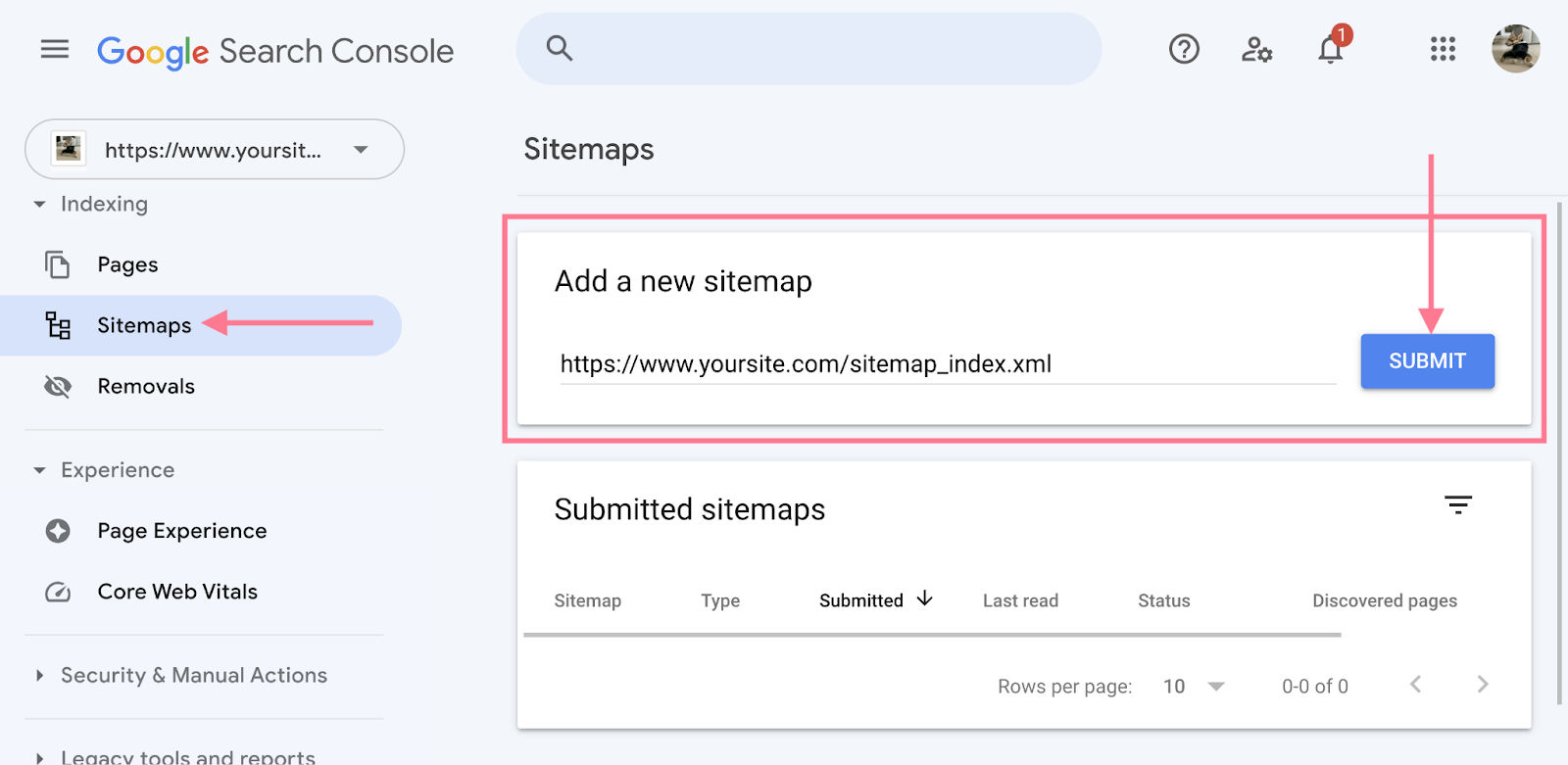
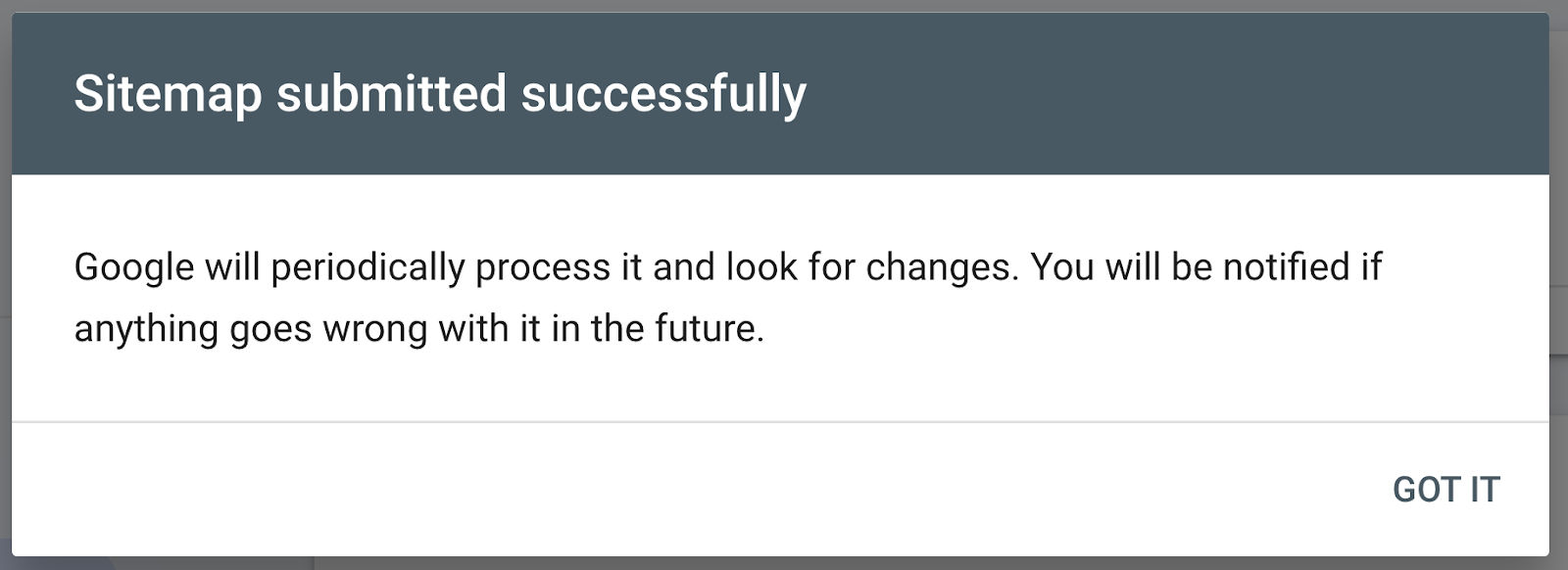
After Google has processed our sitemap, we will see a message like this:
Google Search Console Reports and Features
Google Search Console provides a variety of reports and features to help website owners monitor and optimize their website's performance in Google search results. Here are some of the main reports and features:
####Performance
Performance reports provide data on how our site performs in Google searches. It shows four key indicators:
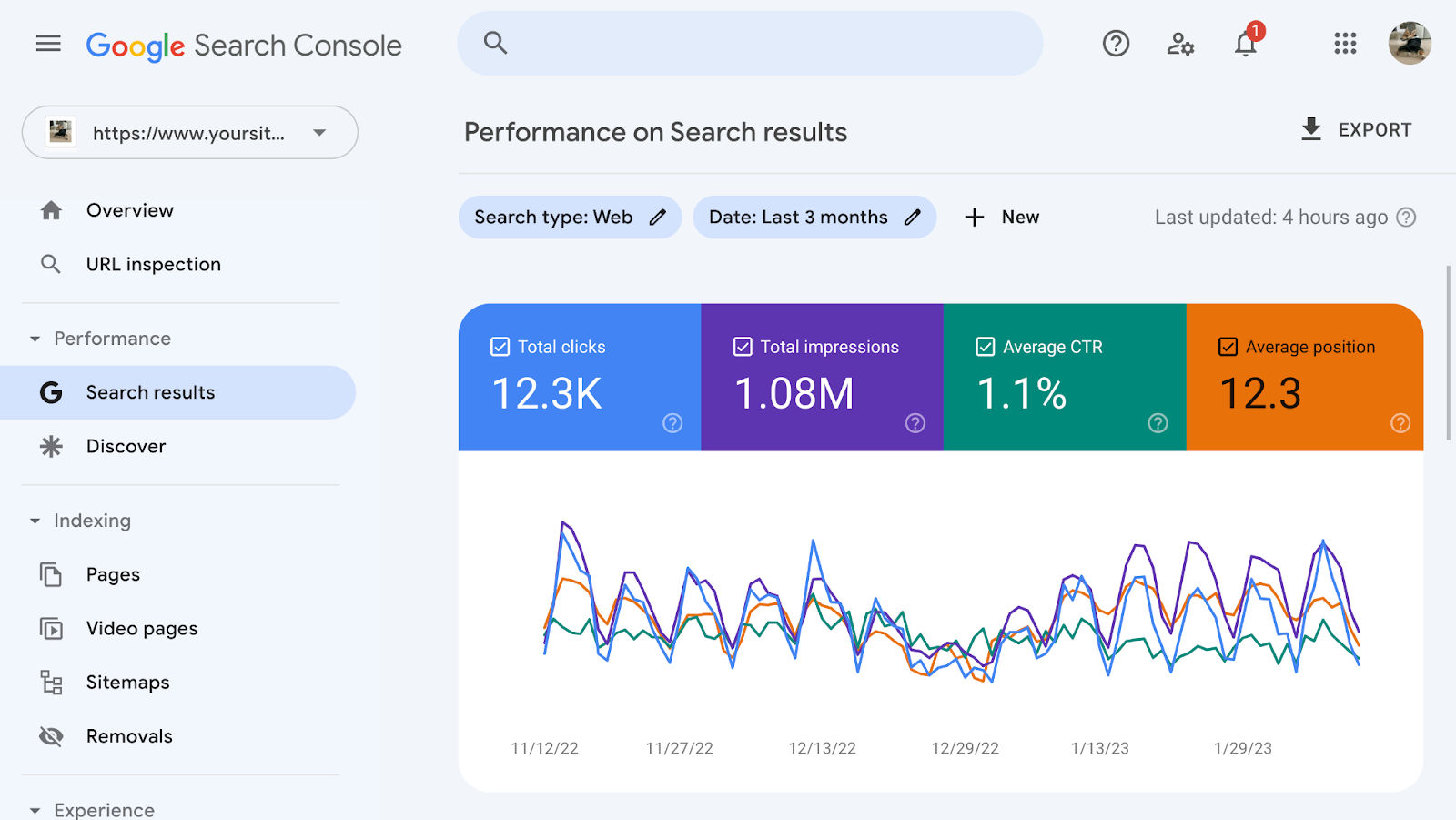
- Total clicks: The number of times users clicked on our website from search results
- Total impressions: the number of times our website appears in search results
- Average click-through rate (CTR): the percentage of impressions that resulted in a click
- Average position: the average ranking position of our website in search results
Below the chart we can see a table showing which queries, pages, countries and devices traffic to the site falls under.
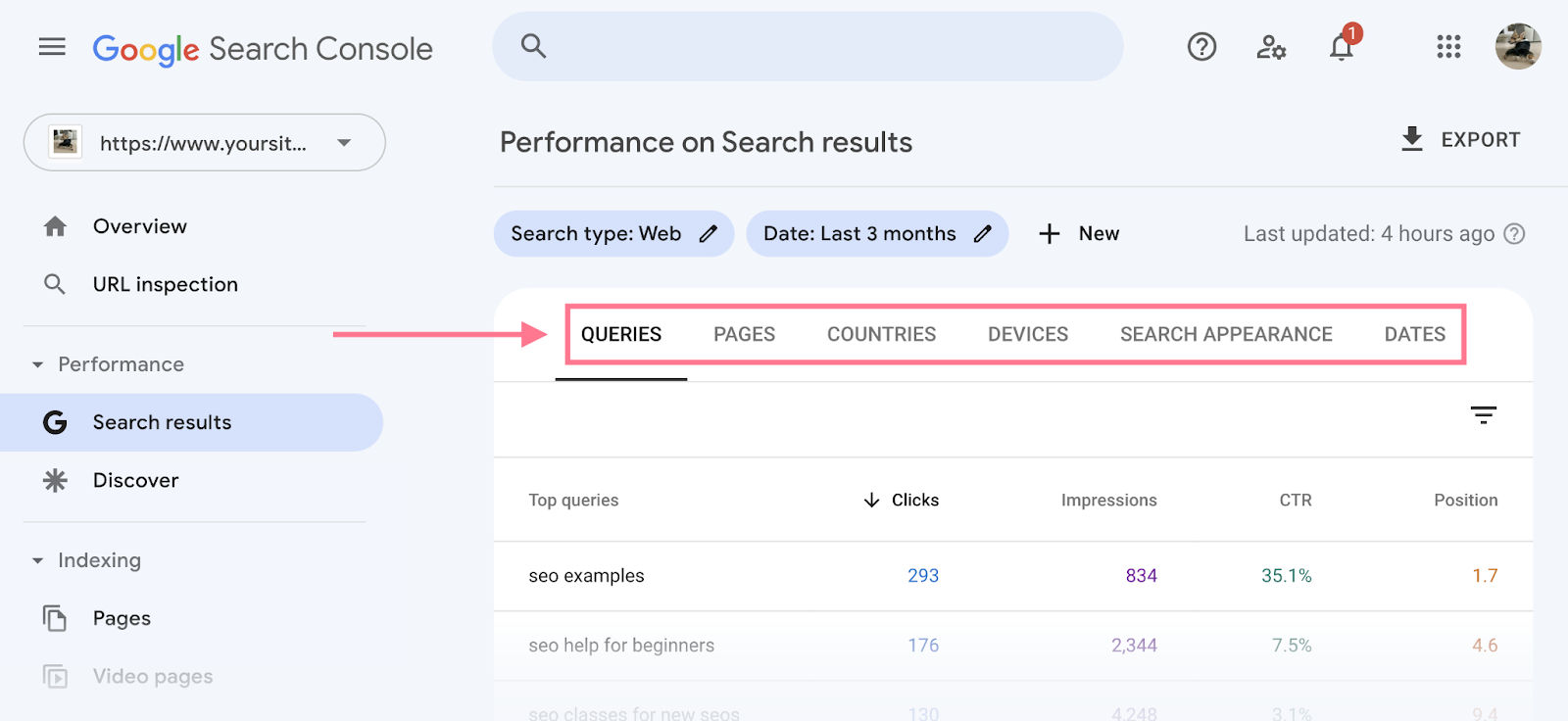
We can improve our SEO by analyzing this data, for example:
- Low CTR: If our page ranks well but has a low CTR, consider improving the title tag and meta description to make it more attractive to users.
- Missing keywords: If we are not ranking for important keywords, we may need to improve our content strategy and create high-quality content targeting these keywords.
Subscribe to unlock the full article
Support the writing, unlock every paragraph, and receive future updates instantly.
Comments
Join the conversation
No comments yet. Be the first to add one.