5. I18N 项目设置
非会员仅可阅读 30% 的正文。
在上一章中,我们讲到了部署,把核心的项目骨架完成了。那么这一章我们就直接讲18n,很少有人直接在前面的部分讲18n,但我把18n的顺序提到前面的排序主要是出于下面的这些考虑:
- 项目的页面索引数量翻倍,添加来自小语种的曝光。
- 在一开始做这件事的话,不用担心后续的I18N的内容覆盖率,在后期会让这个改造工程量特别的大。
- 整个最简AI项目,追求的是以最快的方式生成闭环项目,而I18N自带的配置化JSON结构以Key填充内容的方式,更适合AI去填充。
I18N基础设置
那么就开始我们的项目I18N基础搭建把,这一节的版本是 github tag v2.01,基础部分都是看文档,所以不会过多的赘述。
项目基础配置
依赖下载和目录配置文档(https://next-intl.dev/docs/getting-started/app-router/with-i18n-routing) ,主要作用是,配置项目的i18n布局/页面、跳转、路由中间件、翻译文件。
app/[locale]/about/page.tsx是客户端组件的用法,app/[locale]/page.tsx是服务端路线的用法。
Ts和Eslint设置
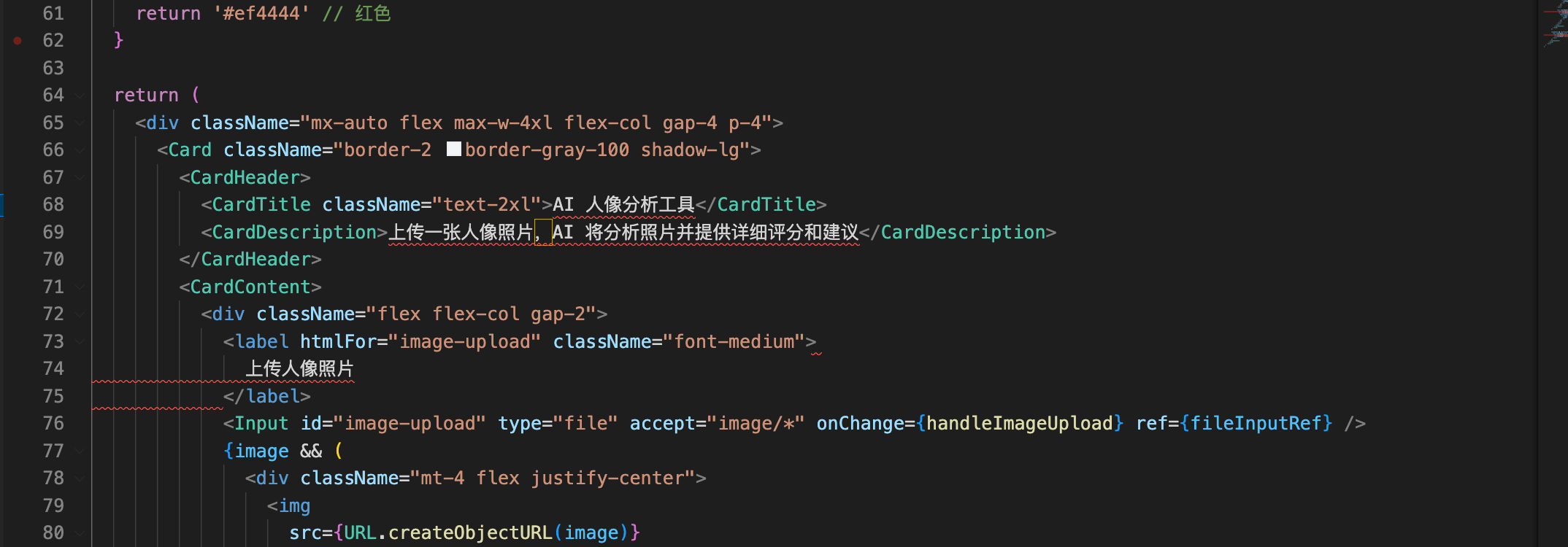
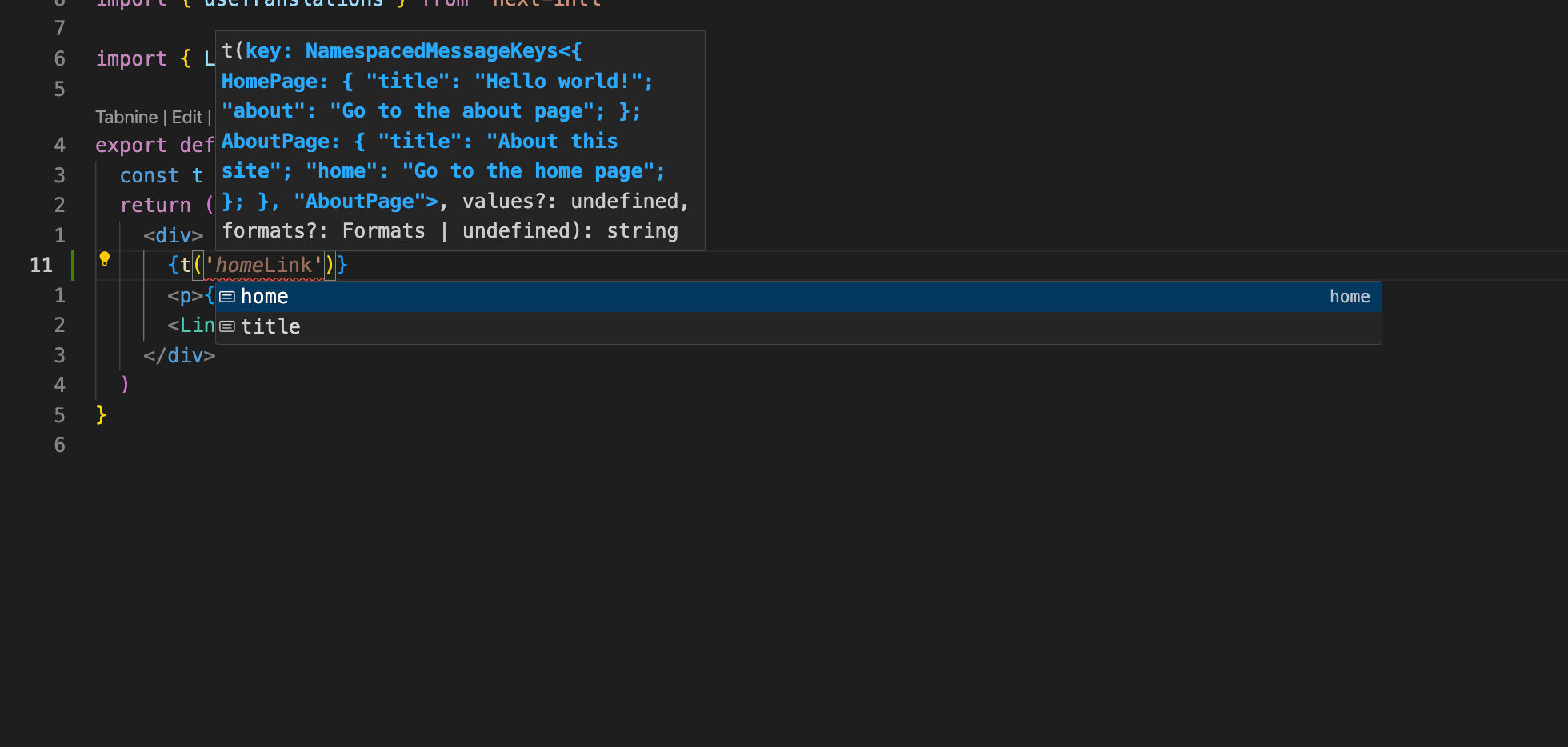
项目的Typescript文档、项目的Eslint文档。主要作用是用于项目的 Ts语法提示以及 Eslint 限制必须覆盖,效果如下:
Eslint报错
Ts语法提示
I18N路由与检测
这一节的版本是 github tag v2.02。
处理路由前缀
在intl中,默认的前缀模式是Always,但这个行为不符合SEO的实践,需要在 en 语言(默认语言)时去掉路由后缀,同时保留其他语言的路由后缀。
在 next-intl 中,localePrefix 有几个选项:
always: 总是显示语言前缀never: 从不显示语言前缀as-needed: 只为非默认语言显示前缀
将 localePrefix 从 always 改为 as-needed,这样默认语言 en 就不会显示在 URL 中,而其他语言如 zh 会保留前缀。
import { defineRouting } from 'next-intl/routing'

export const routing = defineRouting({
  locales: ['en', 'zh'],
  defaultLocale: 'en',
  localePrefix: 'as-needed'
})
这样修改后,英文页面的 URL 将是 /about,中文页面的 URL 将是 /zh/about。
路由检测机制
Next-intl自己有一套检测机制,可以根据多种因素自动确定用户的首选语言。默认情况下,会按照以下优先级顺序检测语言:
- URL 路径中的语言前缀(例如
/zh/about) - Cookie 中保存的之前检测到的语言偏好
- 浏览器的
accept-language请求头 - 如果以上都无法匹配,则使用
defaultLocale设置的默认语言
用户第一次访问网站时会根据浏览器语言自动跳转到相应语言版本,后续访问则会记住他们的语言偏好。
工作流示例
- 用户请求
/路径,系统根据accept-language头部匹配到en语言 - 用户被重定向到
/(因为我们设置了localePrefix: 'as-needed'且en是默认语言) - 应用渲染
<Link locale="zh" href="/">切换到中文</Link>允许用户切换到中文 - 用户点击链接后,发起对
/zh的请求 - 中间件会添加一个 cookie 来记住用户对中文的偏好
- 用户稍后再次请求
/,中间件会根据 cookie 重定向到/zh
语言匹配算法
Next-intl 使用 @formatjs/intl-localematcher 的"最佳匹配"算法来确定最合适的语言。
简单来说,这个算法能更智能地理解用户想要的语言,即使没有完全匹配的选项。
例如,如果您的应用支持 en 和 zh 这两种语言,而用户浏览器发送的 accept-language 头是 en-GB:
- "查找"算法会逐步移除用户
accept-language头中的子标签,直到找到匹配项。在这种情况下,它找不到匹配项,因此会使用默认语言。 - "最佳匹配"算法会比较用户的
accept-language头与可用语言之间的距离,同时考虑区域信息。因此,"最佳匹配"算法能够将en匹配为最佳匹配语言。
想象一下这个场景:你的网站支持英语(en)和简体中文(zh),英国的用户访问你的网站,他的浏览器设置为英式英语(en-GB),传统的"查找"算法会说:"我找不到英式英语,所以我将使用默认语言"。而"最佳匹配"算法会说:"虽然没有英式英语,但英语和英式英语很接近,所以我会选择英语而不是默认的中文"。
常用语言代码最佳实践
当我们理解了语言匹配后,我写了一个常用语言最佳实践配置示例:
import { defineRouting } from 'next-intl/routing'

export const locales = [
  {
    code: 'en',
    name: 'English',
    dir: 'ltr'
  },
  {
    code: 'zh',
    name: '中文',
    dir: 'ltr'
  },
  {
    code: 'ja',
    name: '日本語',
    dir: 'ltr'
  },
  {
    code: 'ko',
    name: '한국어',
    dir: 'ltr'
  },
  {
    code: 'es',
    name: 'Español',
    dir: 'ltr'
  },
  {
    code: 'fr',
    name: 'Français',
    dir: 'ltr'
  },
  {
    code: 'de',
    name: 'Deutsch',
    dir: 'ltr'
  },
  {
    code: 'it',
    name: 'Italiano',
    dir: 'ltr'
  },
  {
    code: 'ru',
    name: 'Русский',
    dir: 'ltr'
  },
  {
    code: 'pt',
    name: 'Português',
    dir: 'ltr'
  },
  {
    code: 'ar',
    name: 'العربية',
    dir: 'rtl'
  },
  {
    code: 'hi',
    name: 'हिन्दी',
    dir: 'ltr'
  }
]

export const routing = defineRouting({
  locales: locales.map((i) => i.code),
  defaultLocale: 'en',
  localePrefix: 'as-needed'
})
订阅后解锁完整文章
支持创作、解锁全文,未来更新也会第一时间送达。
评论
加入讨论
还没有评论,来占个沙发吧。